The problem is never a shortage of information. It is that the information you need is always in the wrong place at the wrong time.
You read a brilliant insight last Tuesday and it is somewhere in your browser history. You saved a research report three weeks ago — in Notion, or maybe in a folder, or possibly inside a starred email. You had a sharp idea during a meeting and typed it into your phone, and now it is buried under seventeen other notes that felt important in the moment and invisible since.
Most knowledge workers are not dealing with an information problem. They are dealing with a retrieval problem.
That is why the idea of an AI second brain matters now more than ever.
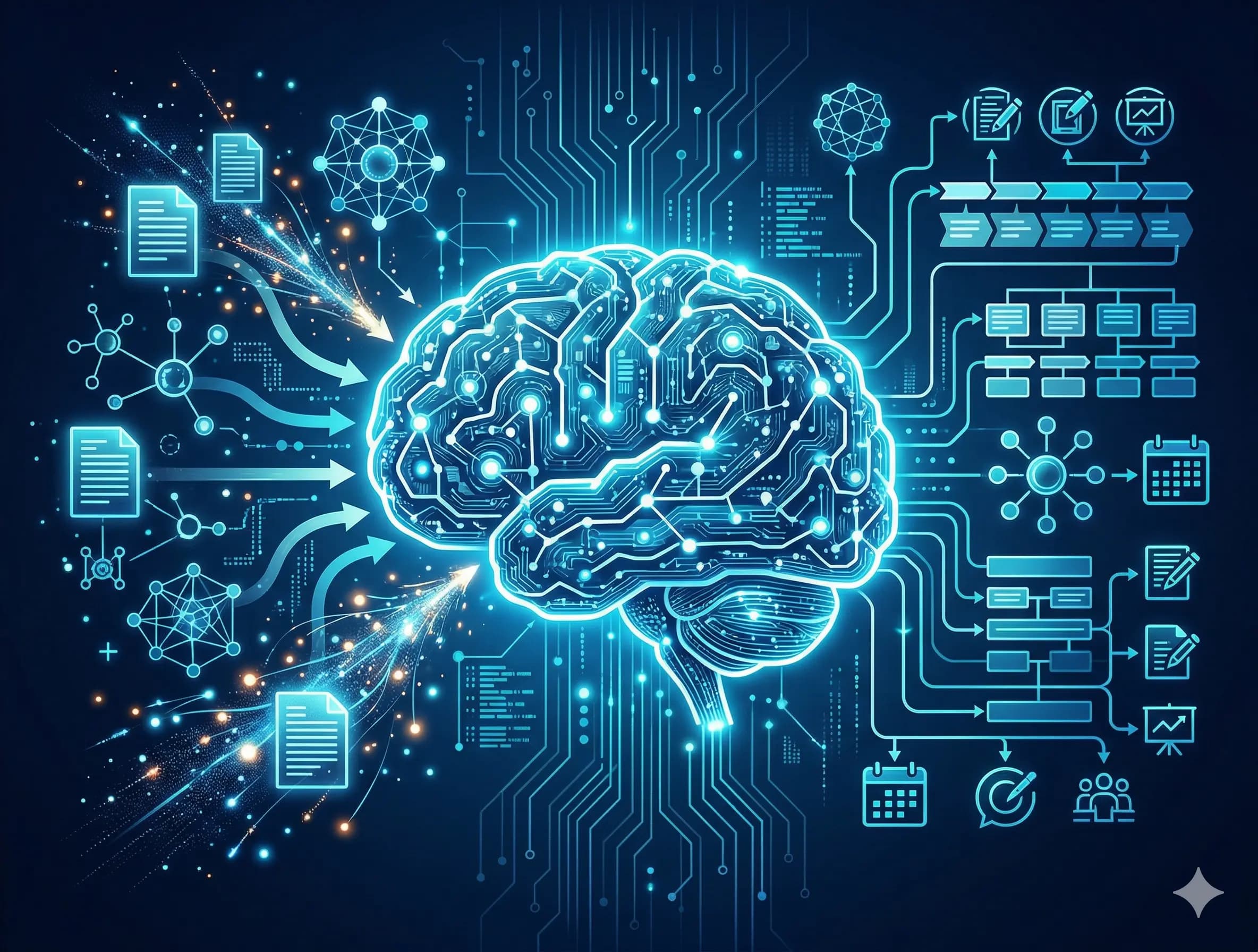
A useful AI second brain is not just a place to dump notes, links, screenshots, PDFs, and prompts. It is a working system that helps you store information, retrieve it intelligently, connect ideas across contexts, and turn scattered thinking into something useful — especially for research, content planning, and knowledge work.
When built properly, it becomes more than digital storage. It becomes a thinking layer.
In this guide, I will show you how to build an AI second brain that actually works week to week without turning it into a maintenance-heavy productivity hobby.
What an AI Second Brain Actually Is
The phrase “second brain” has been used for years in the productivity world, often to describe systems for capturing and organizing knowledge. But the AI version is meaningfully different.
A traditional second brain is mostly a storage and retrieval system. You save information, organize it carefully, and try to find it later. The quality of what you get back depends heavily on how disciplined you were when you put it in.
An AI second brain adds a reasoning layer on top of that storage.
Instead of merely searching for what you saved, you can ask the system questions about what you saved. Instead of opening ten separate notes and trying to connect them manually, you can ask AI to synthesize across them, identify patterns, surface contradictions, or suggest how they apply to a new piece of work.
That is the real shift.
A traditional note system stores information. An AI second brain helps you work with it.
This distinction matters because it changes the practical value of the system. Imperfect tagging, mixed formats, inconsistent note styles, and scattered inputs become less fatal when AI can still retrieve and synthesize effectively. Structure still matters, but perfection matters less.
Why Most People Fail to Build a Useful AI Second Brain
A lot of people like the concept, but their system breaks down quickly.
They collect too much and process too little
Saving information feels productive. But a folder filled with articles, screenshots, and transcripts is not a second brain. It is just delayed clutter.
They build for filing, not retrieval
People often create elaborate folder systems before they know how they will actually use the material. The result looks organized but does not help when they need to think, write, or make decisions.
They overcomplicate the system
A second brain should reduce friction. If it becomes a personal knowledge bureaucracy, it will be abandoned.
They use AI only at the end
Many people wait until they need a blog post or content draft, then ask AI to generate something from scratch. That misses the real advantage. AI is most useful earlier in the workflow — during summarization, classification, synthesis, and idea development.
The Real Job of an AI Second Brain
A strong AI second brain should help you do four things consistently:
- Capture
It gives your ideas and research a place to land quickly.
Organize
It creates enough structure that your materials are not lost in a pile.
Retrieve
It helps you find the right information at the right time.
Reuse
It turns stored knowledge into outlines, content, frameworks, lessons, strategic thinking, and decisions.
That is the difference between a system that archives and a system that compounds.
Step 1: Choose a Storage Layer and Keep It Simple
The biggest mistake people make at the beginning is trying to build the ideal system instead of the usable one.
The best storage layer is not the most sophisticated one. It is the one you will actually maintain on a busy week.
For most people, the storage layer should live in one of three places.
Notion
Notion works well if you already use it for projects, content planning, or team workflows. It is flexible, easy to capture into, and useful for mixed-format material such as research notes, screenshots, meeting summaries, article ideas, and draft outlines.
Obsidian
Obsidian is excellent for people who think in networks rather than folders. It is especially useful when your work depends on seeing relationships between ideas over time.
A dedicated AI project
A Claude or ChatGPT project can also serve as a lightweight AI second brain. This approach is underrated. If you consistently paste, summarize, and develop your materials inside one persistent AI environment, retrieval becomes conversational rather than structural.
The key point is simple: pick one primary home.
Do not build across multiple tools unless you already know why. Fragmentation is one of the fastest ways to kill the value of an AI second brain.
Step 2: Structure for Retrieval, Not for Filing
Most people start by creating categories.
That feels logical, but it is often the wrong starting point.
The better approach is to structure for how you will retrieve and use information later.
A simple structure is enough:
- Inputs
This is where raw captures go.
Examples:
- saved articles
- quotes
- screenshots
- transcripts
- quick notes
- voice memos converted to text
- early content ideas
- client observations
The rule here is speed. Capture should be frictionless.
Processed Notes
This is where information becomes more usable.
A processed note might include:
- a summary in your own words
- key arguments from a report
- reflections after a meeting
- a synthesis of several related notes
- a cleaned-up version of a rough idea
This stage matters because it converts information into knowledge.
Working Material
This is where active work lives.
Examples:
- content outlines
- research briefs
- workshop drafts
- article structures
- campaign ideas
- strategic documents in progress
These are not just archived materials. They are assets under construction.
Step 3: Build a Tagging System That Matches Real Use
Tags are helpful only when they reflect how you actually search later.
A tag like “marketing” is usually too broad to be useful. A tag like “content angles,” “client objections,” “AI education,” or “research insight” is much more operational.
A simple tagging system can include:
- Topic tags
- Examples: AI, education, branding, leadership, productivity
- Format tags
- Examples: blog, workshop, LinkedIn, lecture, strategy memo
- Use-case tags
- Examples: content angles, case studies, client pain points, teaching material, thought leadership
- Stage tags
- Examples: raw, processed, ready to use, needs expansion
The goal is not to create dozens of labels. The goal is to make retrieval easier.
A good rule is to keep only a small number of active tags at any given time. Too many tags create a new layer of chaos.
Step 4: Use AI for Retrieval, Not Just Generation
This is where the system becomes powerful.
Most people think of AI as a writing assistant. That is useful, but it is not the highest-value use case here.
The better use of AI is retrieval and synthesis.
Instead of manually scanning old folders, you ask:
- What themes appear across my recent notes on this topic?
- What content ideas have I already partially developed?
- Which insights repeat across my meeting summaries?
- What tensions or disagreements show up across these sources?
- What have I captured that is strong enough to turn into a blog post or workshop?
That is when your AI second brain starts behaving less like storage and more like operational intelligence.
A retrieval prompt for content planning
“Here are my recent notes and captures from the last two weeks. I am planning content for this audience and topic. What themes appear most consistently? Which strong ideas have not yet become content? Suggest five specific article or post ideas based on what I have already captured.”
A retrieval prompt for research synthesis
“Here are my notes and source materials on this topic. Synthesize the key arguments, points of agreement, and real disagreements. Then identify what important question these materials still fail to answer.”
A retrieval prompt for connecting ideas
“Here are notes from different areas of my work. Find three non-obvious connections across them. For each one, suggest a practical use such as a content angle, a business idea, or a research question.”
This is a major shift in how knowledge systems work.
You are no longer just retrieving notes. You are retrieving insight.
Step 5: Process Information Before You Need to Publish
One of the most common mistakes is waiting until the final stage and then asking AI to write something polished.
That usually leads to shallow outputs.
A better workflow is to use AI earlier.
Use AI to summarize
When you read PDFs, reports, transcripts, or long-form articles, ask AI to extract
- the key ideas
- recurring themes
- useful examples
- contradictions
- implications for your field
- Use AI to classify
As your notes grow, AI can help sort them into useful themes, suggest tags, or cluster similar ideas together.
Use AI to turn rough thinking into structure
Before asking for a full article, ask for:
- an outline
- a list of arguments
- possible angles
- strategic takeaways
- a content series built from several notes
This gives you stronger raw material and more distinctive final outputs.
Step 6: Build a Weekly Usage Routine
An AI second brain becomes powerful when it becomes routine.
You do not need to spend hours every day. You need a repeatable weekly rhythm.
Here is a practical model.
Monday: capture review
Review what entered your system over the past week. Move the worthwhile material from Inputs into Processed Notes. Summarize it in your own words when possible.
Wednesday: synthesis session
Choose one theme from your recent notes and ask AI to surface patterns, content angles, or strategic implications.
Friday: fresh capture and planning
Before the week ends, add your new observations, meeting insights, and incomplete ideas. Then ask AI which of these should move into your content pipeline or future research work.
This entire routine can take thirty to forty-five minutes per week.
That is often less time than people spend searching for files they forgot where they saved.
A Practical Example of an AI Second Brain for Content Planning
Let us say your work sits at the intersection of AI, education, and strategy.
During the week, you collect:
- notes from conversations with educators
- screenshots from reports
- your own observations on student or user behavior
- voice memos with half-formed article ideas
- summaries of longer research materials
- You place them in your system, then tag them with labels such as
- AI literacy
- teacher workflow
- content planning
- future of education
- workshop material
- At the end of the week, you ask AI
“Review everything tagged AI literacy and teacher workflow. What themes appear repeatedly? What tension or contradiction is worth writing about? Suggest one long-form article, three LinkedIn posts, and one workshop outline.”
Now your notes are no longer static.
They become a reusable content engine.
That is the real strength of an AI second brain. It helps your thinking accumulate instead of evaporate.
Common Mistakes to Avoid
Even a promising setup can become messy if you ignore a few fundamentals.
Do not save everything
Storage is cheap, but attention is not. Keep what is useful, not merely available.
Do not confuse capture with understanding
Saving an article is not the same as processing its insight.
Do not build a complex taxonomy too early
Your structure should emerge from use, not from fantasy.
Do not let AI replace your judgment
AI can synthesize information, but it cannot decide what matters most in your work. That remains your job.
The Real Benefit of an AI Second Brain
The biggest benefit is not speed.
It is continuity.
You stop starting from zero every time you need to write, think, plan, teach, or build. Your past work becomes a live resource rather than a forgotten archive. Ideas have somewhere to go. Research compounds. Patterns become easier to notice. Content becomes more consistent because it is built from an accumulated system rather than from random bursts of inspiration.
In a world full of information, advantage does not belong to the person who reads the most.
It belongs to the person who can retrieve, connect, and apply insight better than others.
That is what an AI second brain is really for.
Final Thoughts
Building an AI second brain does not require a perfect app stack or an obsessive productivity system.
It requires a simple architecture you can sustain.
Capture what matters. Process it enough to make it useful. Tag it by how you will need it. Ask better retrieval questions. Build a weekly rhythm that turns inputs into assets.
That is how AI becomes more than a writing shortcut.
That is how it becomes a real extension of your thinking.
And for anyone doing research, strategy, teaching, or content planning, that may be one of the most valuable systems to build this year.
Key Takeaways
- An AI second brain is not just a storage system. It is a reasoning layer built on top of stored knowledge
- The best systems are simple: one storage layer, a few useful tags, and a clear weekly routine
- AI is most useful before the final output stage — during summarization, synthesis, classification, and retrieval
- A good second brain helps ideas compound, reduces reinvention, and strengthens continuity in your work
FAQ
What is an AI second brain?
An AI second brain is a knowledge system that combines information storage with AI-powered retrieval and synthesis, helping you capture, organize, and reuse ideas more effectively.
What can I use to build an AI second brain?
You can build one using tools like Notion, Obsidian, Google Drive, or even a dedicated AI project, as long as the system supports easy capture and useful retrieval.
Is an AI second brain useful for content planning?
Yes. It is especially valuable for content planning because it helps you store ideas, group related themes, retrieve past insights, and turn research into structured content outputs.
Do I need a complicated setup?
No. The best AI second brain is usually the simplest one you can maintain consistently.